
 League of Legends
 FortniteBeta
 CS2Beta
 DeadlockBeta
Where to post your gaming clips
Post the same vertical clip to all four: YouTube Shorts, TikTok, Instagram Reels and Facebook. One clip, four chances. After a few weeks your own numbers tell you which one your audience lives on, and that beats any chart.
Here's the usual story. A streamer posts only to the platform they already use, gets a slow start, and decides clips don't work. The clip was fine. It just never reached the place its audience was scrolling.
What each platform is good for
YouTube Shorts
Shorts live on the same channel as your long videos and streams, so a Short can send people to the full match. YouTube counts square and vertical videos up to three minutes as Shorts. Your analytics show how many people watched against how many swiped away, which is the best free feedback on your openings.
TikTok
TikTok is built around the feed, so a clip with a strong first second can travel to people who have never heard of you. TikTok's own creator guidance says a long list of hashtags won't help a video rank in search, so describe the clip in plain words instead.
Instagram Reels
Reels sit next to your Instagram posts and stories. Instagram says Reels over three minutes won't be recommended to new audiences, so keep gaming clips well under that.
Facebook Reels and posts reach people through your Page. Gaming groups on Facebook are a separate audience worth testing, as long as the group allows clips.
Which game communities live where
There's no solid public source that says which platform each game's community prefers, and it changes as games grow. So don't guess. Post to all four for a month, then look at where your views and follows actually came from.
- League of Legends. Matchup and outplay clips work wherever League players scroll. Check your own numbers.
- Fortnite. A big player base on every platform. Test all four.
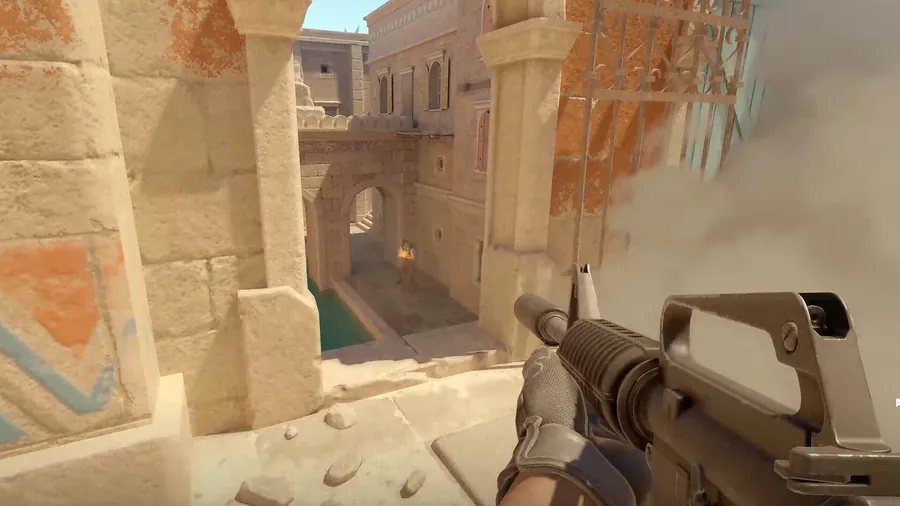
- CS2. Clutches and aces are short and easy to follow. Test all four.
- Deadlock. A newer game, so clips that read without hero names travel further. Test all four.
How to post to four places without four times the work
- Export once, at 9:16. One vertical file works on all four.
- Write the title and description once. Then trim it for each platform.
- Schedule what you can. Batch your posting so it doesn't eat a whole evening.
- Check your numbers weekly, not daily. One clip is noise. A month is a pattern.
 Opens full size in a new tab.
What's in it for you
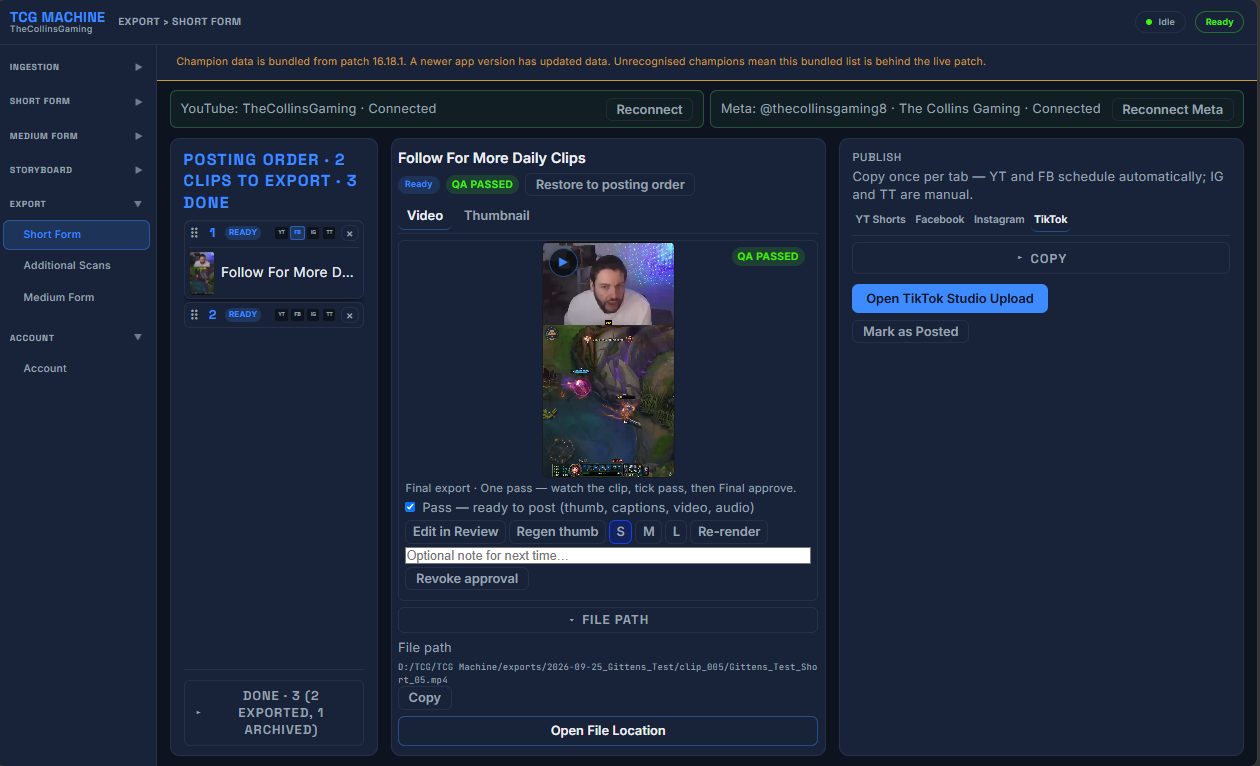
TCG Machine exports one vertical clip and drafts a description for Shorts and one for Reels. YouTube can be scheduled from the app. Facebook and Instagram open Meta Business Suite. TikTok is a manual upload. You approve every clip before it goes anywhere. Pick your game on the League, Fortnite, CS2 or Deadlock page.
Sources, checked 17 November 2026: YouTube Help, three minute Shorts, YouTube Help, content reach and engagement, Instagram, Reels, TikTok Creator Academy, getting discovered with Search.
Frequently asked questions
Where should I post my gaming clips?
All four: YouTube Shorts, TikTok, Instagram Reels and Facebook. Then use your own numbers to see which one your audience uses.
Can I post the same clip on every platform?
Yes. One vertical 9:16 clip works on all four. Trim the description for each one.
Which platform is best for gaming clips?
The one your audience uses, and that's different for every channel. Post everywhere for a month and check where your views and follows came from.
How long can a YouTube Short be?
Up to three minutes, square or vertical, according to YouTube Help.
Do long Reels get shown to new people?
Instagram says Reels over three minutes won't be recommended to new audiences.
Does TCG Machine post to TikTok?
No. TikTok is a manual upload. YouTube can be scheduled from the app, and Facebook and Instagram open Meta Business Suite.